stockunlimited
Image
Find and create
Video
Create with AI
Animate and edit
Image
Find and create
Video
Create with AI
Animate and edit
Design templates
Free to edit. Premium: 1 credit, once, when you first download or save it, with its photo or your own.
Kids and family
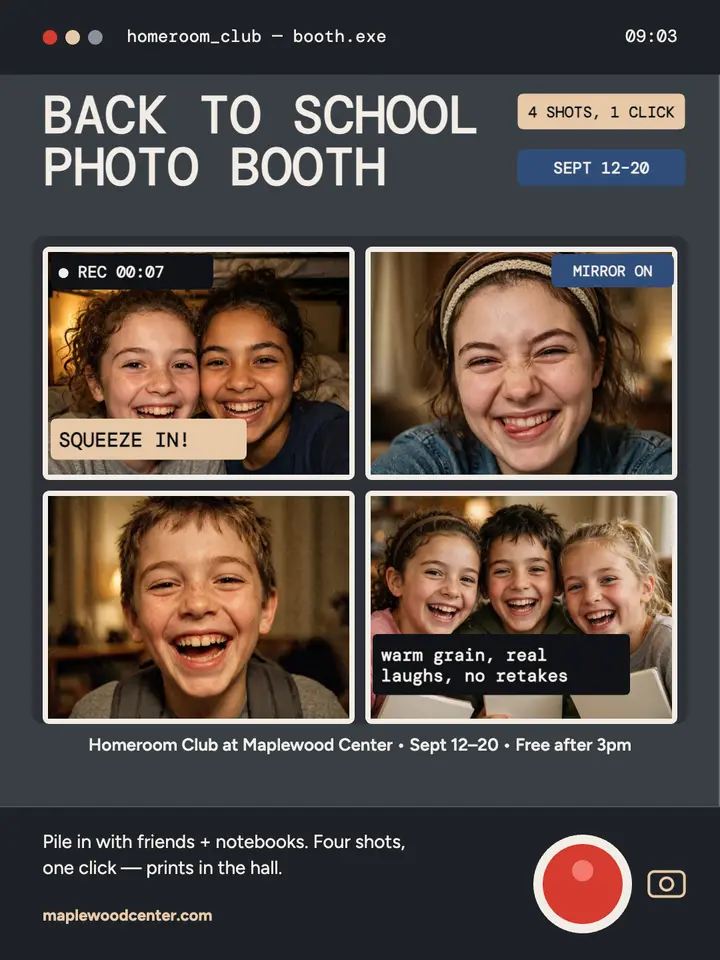
Back to school photo booth template — Homeroom Club webcam
An Instagram portrait promo for the Homeroom Club photo booth at Maplewood Center, styled as a 2008 laptop webcam booth with a 2x2 grid of warm grainy selfies and a dark toolbar with a red shutter button.
Instagram portrait · 1080×1440 px · Premium · 1 credit
- Every word editable
- 28 sizes
- Your photos or licensed stock
What you can change
- 4 photosKeep the sample, upload yours, pick one from your Library or search stock photos
- 12 pieces of textYour words, in DM Mono, Figtree or any other font
- ColorsRecolor any piece, or apply your brand colors to the whole design
- LayoutMove, resize, align or delete anything; add shapes, stickers and your logo
- SizeInstagram feed (3:4), at 1080×1440 px
How to use it
- 1Open the design
It opens in the image editor in your browser, with every piece as its own layer.
- 2Make it yours
Click any text to change it, swap in your photos and pick your colors.
- 3Download it
Download a PNG, JPG or WebP at full size, or save it to your Library.
More designs like this
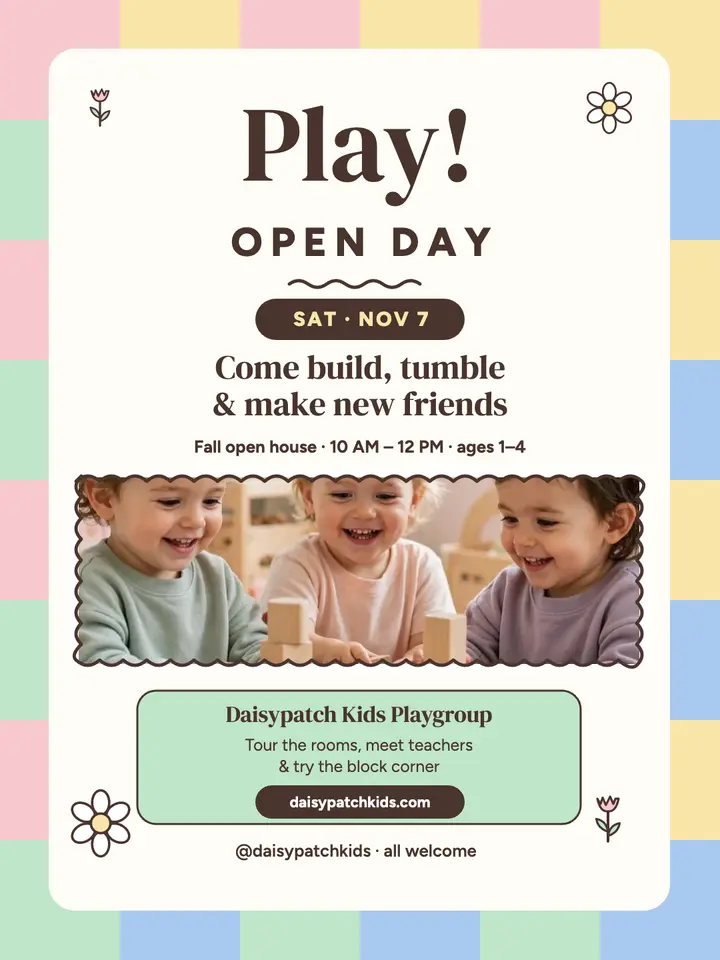
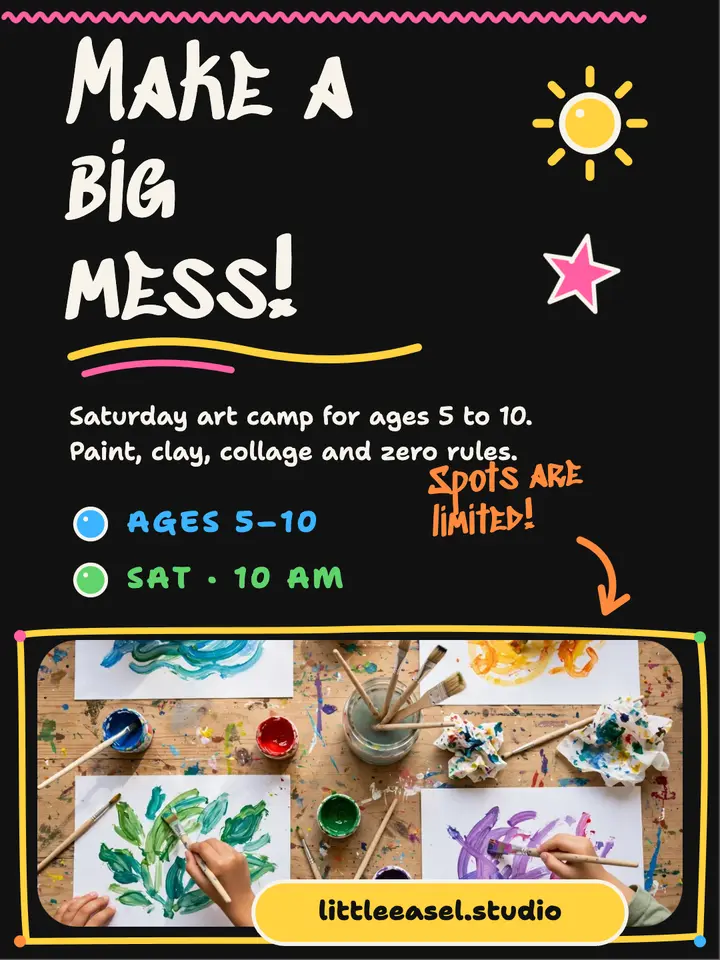
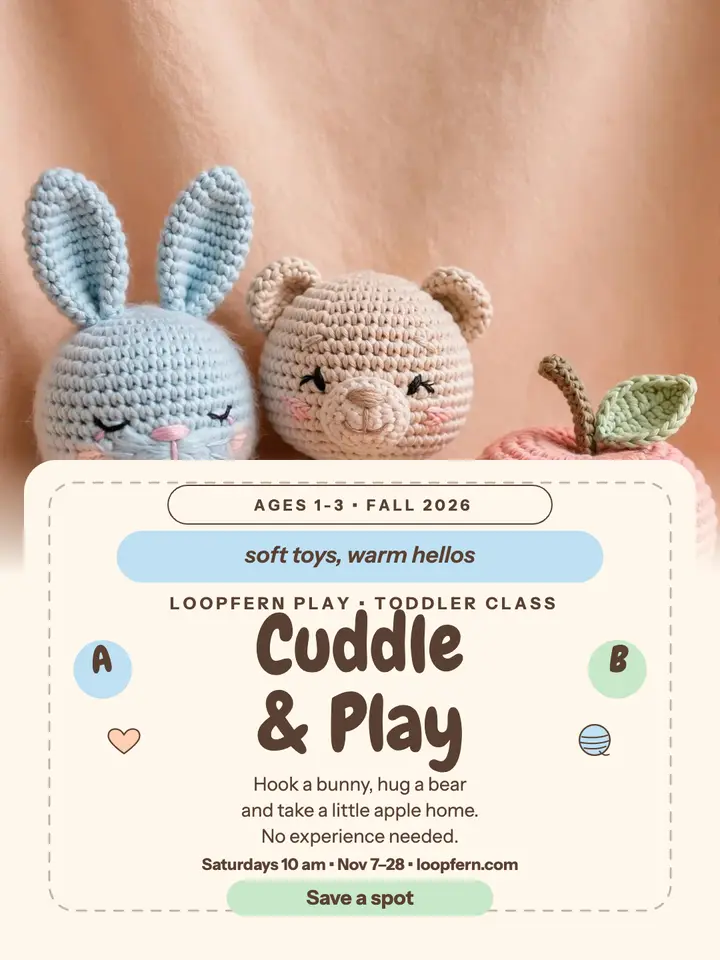

Browse more templates
Questions people ask
- What does this design cost?
- Editing it is free. It's a premium design: 1 credit, once, when you first download or save it, with its sample photo or your own. Swapping in a stock photo is licensed when you pick it, like any stock photo.
- What do I get when I download?
- A PNG, JPG or WebP at 1080×1440 px, saved straight to your device. You can also save it to your Library.
- Can I use it for my business?
- Yes: in ads, social posts, flyers and print, for yourself or for clients.