A clear photo of a face: JPG, PNG or WebP, up to 25 MB. It stays in your browser.
Virtual makeup try-on · Free
Try on makeup on your own photo.
Pick a look or mix your own lipstick, blush, eyeshadow and liner, and see it on your face as you change it. Your photo never leaves your browser.
Free, no sign-up, no watermark. Works with selfies, portraits and half-body photos.
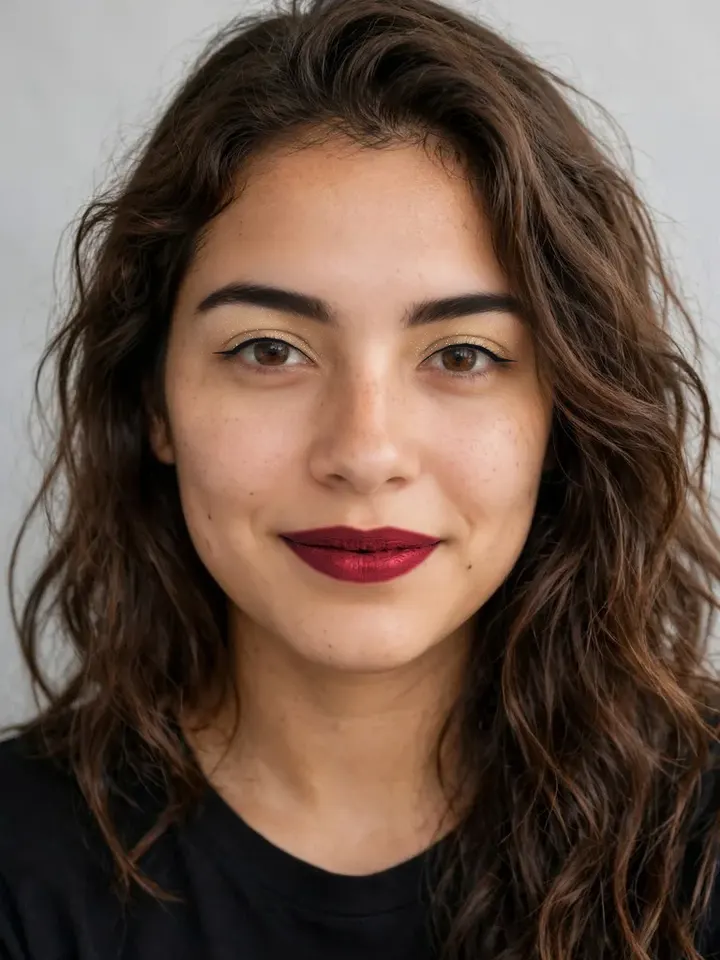
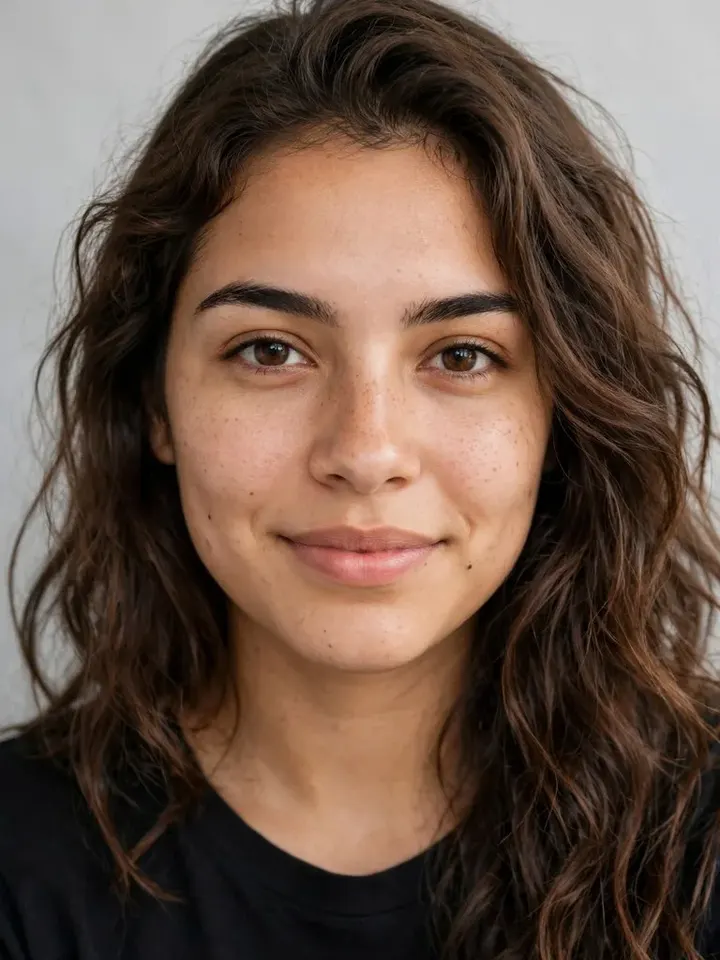
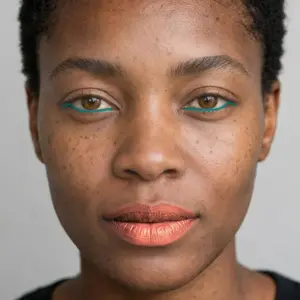
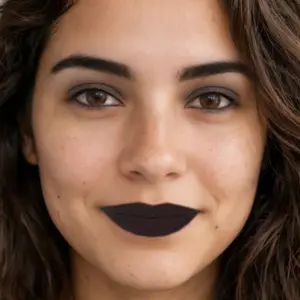
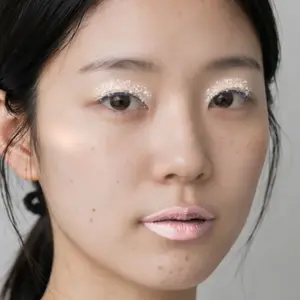
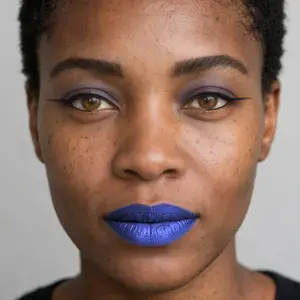
50 looks to start from
Natural, glam, inspired by the decades, or bold. Pick one, then change any shade or amount to make it yours.
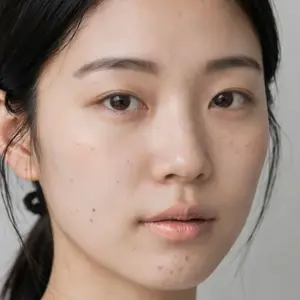
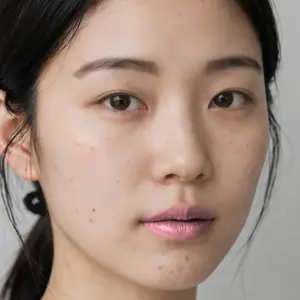
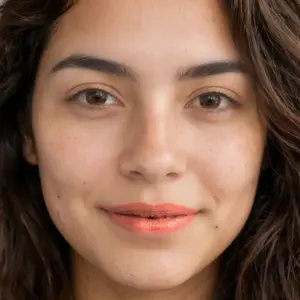
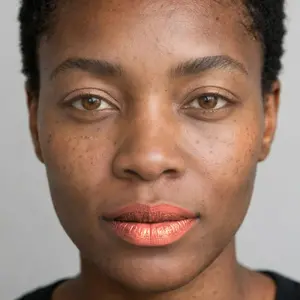
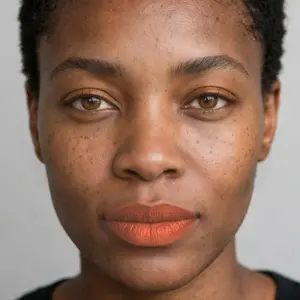

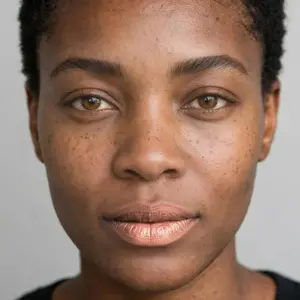


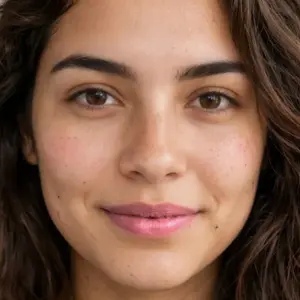
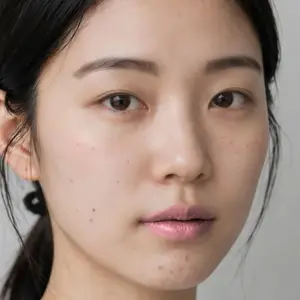
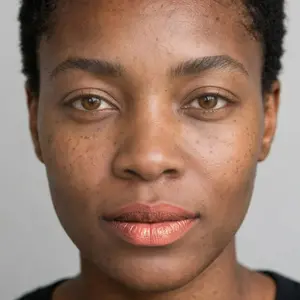

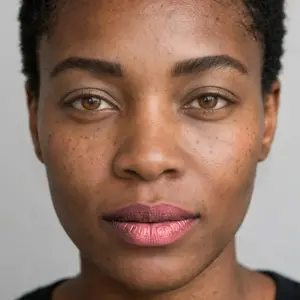
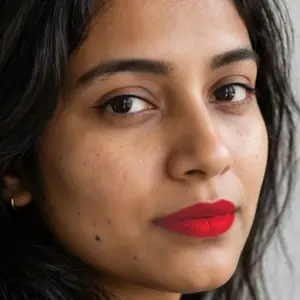
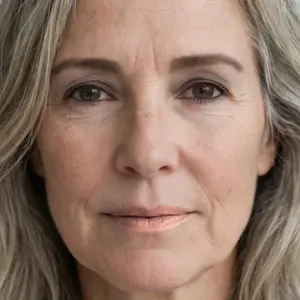
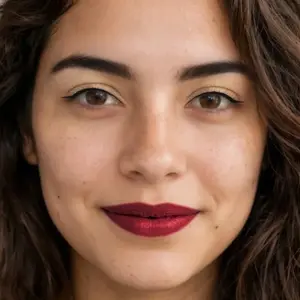
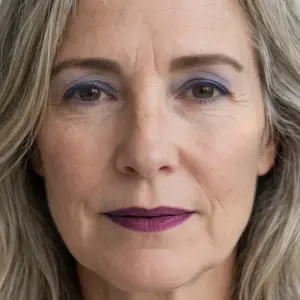

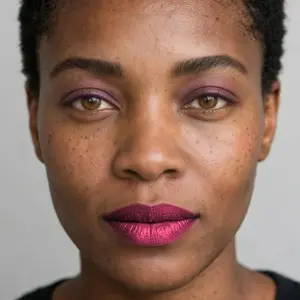
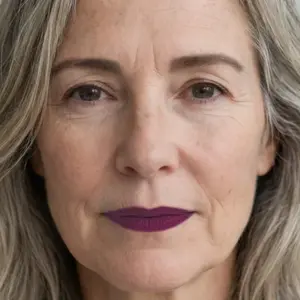
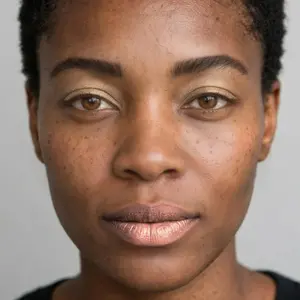
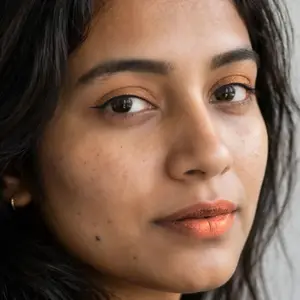
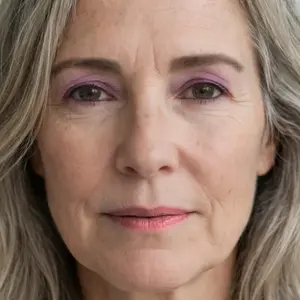
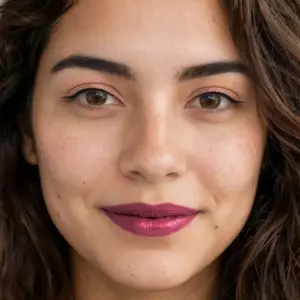
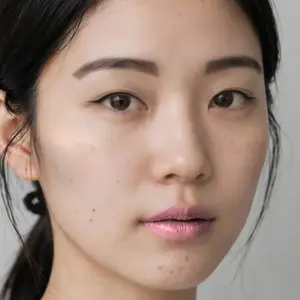
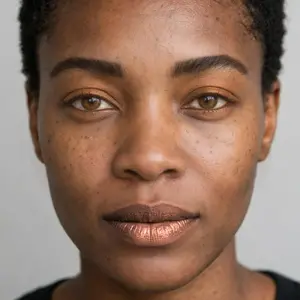


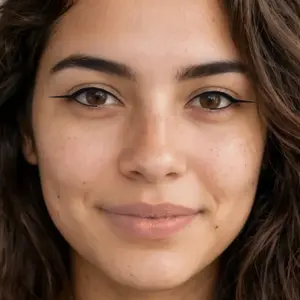
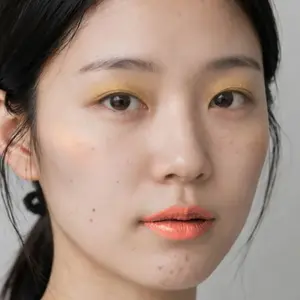
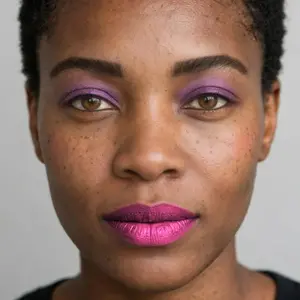


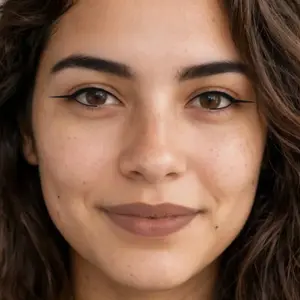
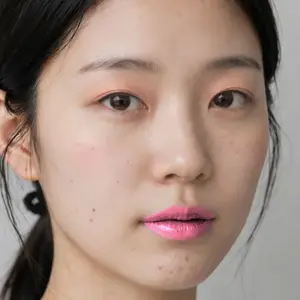
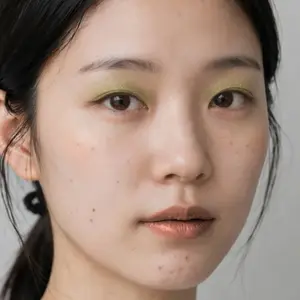
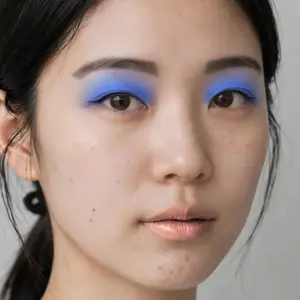
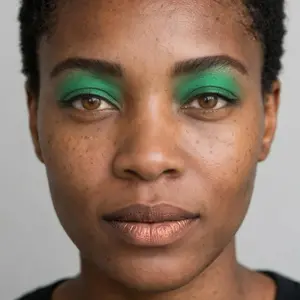
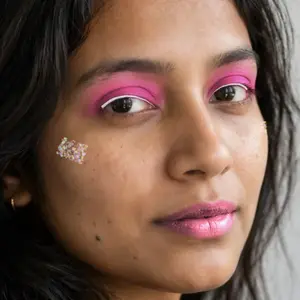
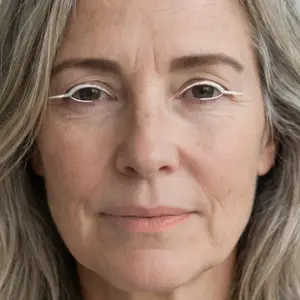
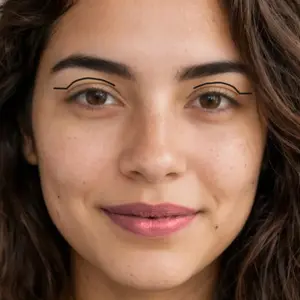
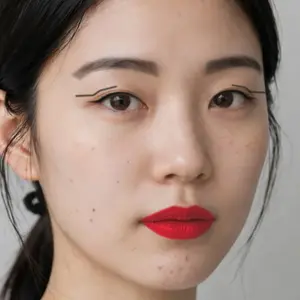


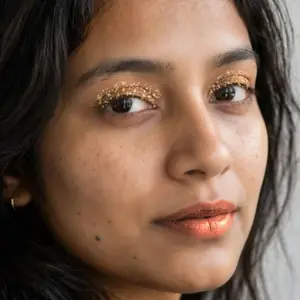
How to try on makeup online
- 1Add a photo
Upload a selfie or portrait, pick one from your Library, or try a sample. Half-body photos work too.
- 2Pick a look
Start from one of 50 looks, from barely there to a classic red lip, then change any shade or amount.
- 3Download it
Download the full-size photo with the makeup on, save it to your Library, or keep editing it in the image editor.
What it does
Questions people ask
- Is Makeup Studio free?
- Yes. Trying on looks and downloading are free, with no watermark and no account needed. A free account lets you save results to your Library and open photos from it.
- Is my photo uploaded?
- No. The face tracking and the makeup run in your browser, so your photo stays on your device. It's only uploaded if you choose Save to Library.
- What photos work best?
- A clear photo of a face looking toward the camera, in soft, even light, not covered by hair, hands or sunglasses. Selfies, portraits and half-body photos all work. If the face is very small in the photo, the makeup has little room to show, so use a closer shot.
- Can I copy a makeup look from a photo?
- Yes. Choose Copy a look from a photo and pick a photo of the makeup you like. Makeup Studio reads its lipstick, eyeshadow, liner and blush colors in your browser and puts them on your face; the photo is never uploaded. If it misses a color, pick a part and tap it on the photo. Subtle makeup is harder to read than bold colors.
- Can I try my exact lipstick shade?
- Close to it: copy the color from a photo of the lipstick being worn. The built-in shades are general colors, like nude, coral, berry and classic red, chosen to read well on every skin tone, and you can change each part's shade, finish and amount.
- Does it work on group photos?
- It does one face per photo, the most prominent one. For a group photo, crop to the person first.
- Does it work on a phone?
- Yes, in a recent version of Chrome, Safari, Edge or Firefox. The first photo takes a few seconds while the face tracking loads; after that, changes show instantly.
- Can I use it on stock photos?
- Yes, on any photo you have the right to edit, including stock photos you've licensed here. Open the result in the image editor to crop it or add text.
See a new look on yourself.
Free, in your browser, in seconds.