Blur a background

JPG, PNG, WebP, GIF or BMP. It runs in your browser, so your photo isn't uploaded. The first blur downloads the depth model once.

Free · Private · No sign-up

Blur the background, keep the subject sharp.

Portrait mode for any photo. The AI works out what's near and what's far, then blurs the distance while your subject stays crisp. Set the amount with a slider. Free, in your browser.

For portraits, pets, products and travel photos.
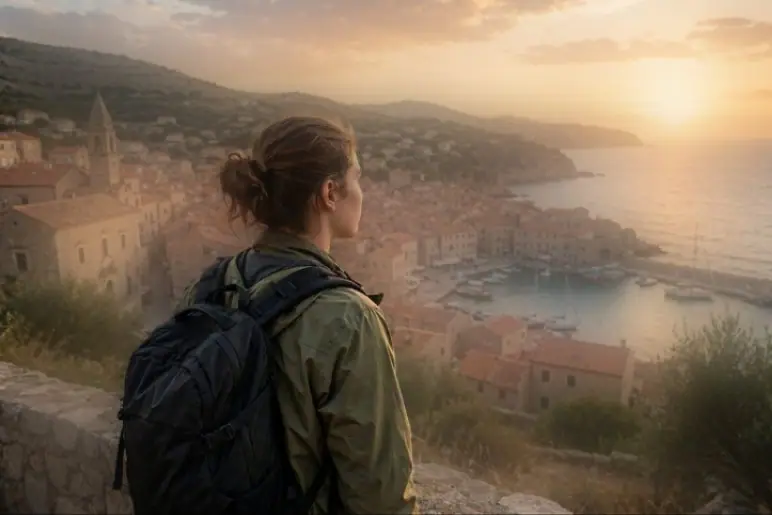
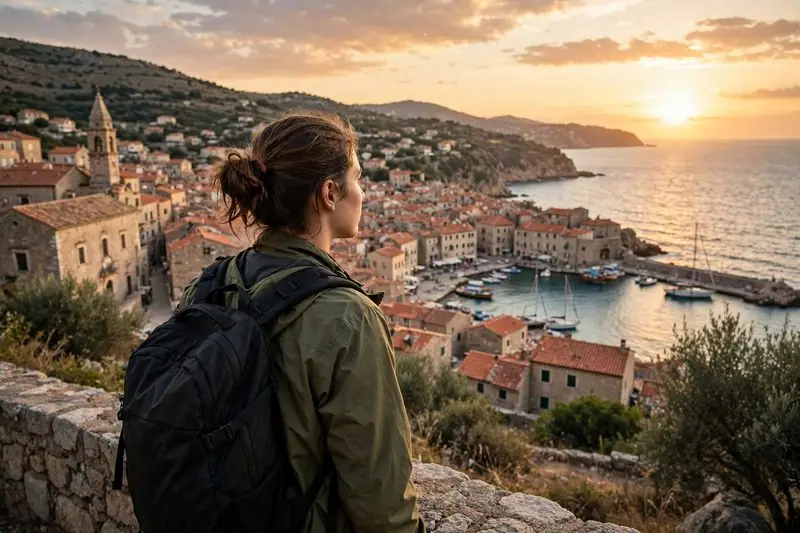
A traveler looking over a harbor town at sunset, edited with Portrait blurA traveler looking over a harbor town at sunset, original photo

See what it does

Real results from Portrait blur. Tap an image to compare it with the original.

Make the subject stand out

A busy view turns into soft color, so the eye goes straight to the person.

Depth that follows the scene

Near things stay sharp and the blur grows with distance, like a real lens.

How to blur a photo's background

  1. 1
    Upload a photo

    Choose an image from your device, or pick one from your StockUnlimited library. Portrait blur starts on its own.

  2. 2
    Set the amount

    The AI maps near and far in a few seconds. Drag the slider until the background is as soft as you want, then apply.

  3. 3
    Save it

    Save to your device as PNG, JPEG, WebP or PDF, or to your StockUnlimited library to come back to it later.

Why use this background blur

Real depth, not a cut-outBlur grows with distance, so edges and ground fade naturally instead of a sharp outline over mush.
You set the amountFrom a hint of softness to full bokeh, previewed live before you apply it.
Private by designThe depth AI runs on your device, so your photo isn't uploaded.
Free, with no watermarkBlur as many photos as you like. No credits, and no sign-up needed to start.
Full resolutionThe blur is applied at your photo's own size, not a low-res preview.
The whole editor, right thereWhen you're done, keep going: crop, add text, remove the background or resize for every social platform.

Questions people ask

Is the background blur really free?
Yes. It's free and unlimited, with no watermark on what you save. You don't need an account to start.
How is this different from a normal blur?
A normal blur softens the whole picture. Portrait blur estimates how far away each part of the photo is and blurs only the distance, more the further it goes, like a camera with a wide aperture.
Is my photo uploaded to your servers?
No. The depth model runs in your browser, on your own device. Your photo only leaves your device if you save it to your StockUnlimited library.
Does it only work on portraits?
No. It works on anything with a clear subject in front of a background: people, pets, products, food and travel photos.
Can I undo it?
Yes. Undo takes it off, or cancel before you apply to keep the original.
Can I use the result commercially?
Yes, for images you have the rights to. Stock photos you license from StockUnlimited keep their royalty-free license after editing.

Give your photo portrait mode.

Nothing to install, and your image stays on your device.