Remove an object

JPG, PNG, WebP, GIF or BMP. It runs in your browser, so your photo isn't uploaded. The first erase downloads the AI model (about 50 MB) once.

Free · Private · No sign-up

Remove anything you don't want from a photo.

Brush over a stray object, a sign or clutter, and the magic eraser fills the gap so it looks like it was never there. Free, with no watermark, and it runs in your browser.

Works best on small to medium objects against sky, sand, walls, grass and tables.
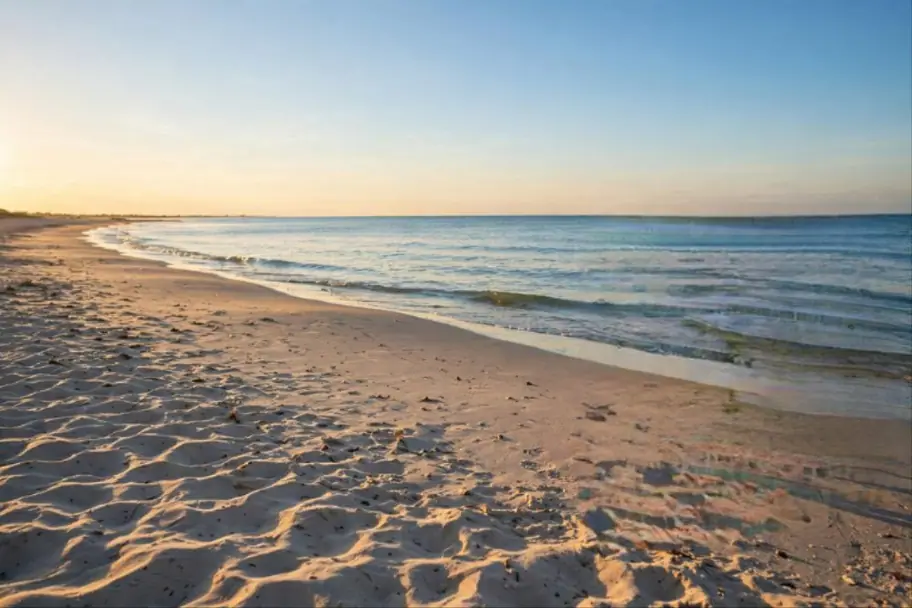
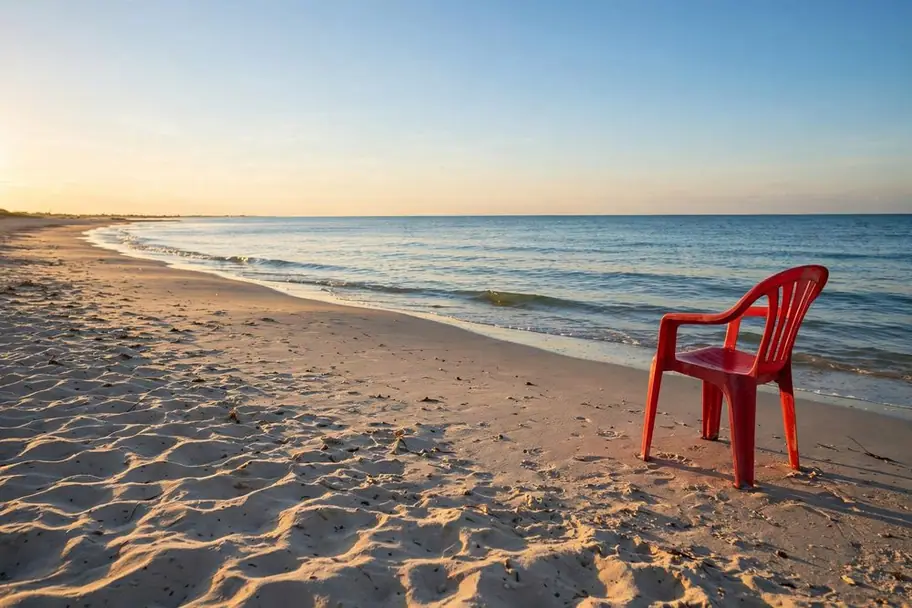
An empty beach at sunset, edited with Magic eraserAn empty beach at sunset, original photo

See what it does

Real results from the magic eraser. Tap an image to compare it with the original.

Tidy up travel photos

Take out the chair, the bin or the bag left in the shot, and keep the view.

Clean product shots

Remove the receipt, the cable or the crumb before the photo goes on your shop.

How to remove an object from a photo

  1. 1
    Upload a photo

    Choose an image from your device, or pick one from your StockUnlimited library. The magic eraser opens.

  2. 2
    Brush over what you want gone

    Paint over the object, a little past its edges. Let go and it fills itself in from what's around it.

  3. 3
    Save it

    Save to your device as PNG, JPEG, WebP or PDF, or to your StockUnlimited library to come back to it later.

Why use this magic eraser

Free, with no watermarkErase as much as you like. No credits, and no sign-up needed to start.
Private by designThe AI runs on your device, so your photo isn't uploaded to erase anything.
Brush, don't selectNo lassos or layers to learn. Paint over it, and undo if you want another go.
Full resolutionThe erased area is filled at your photo's own size, not a low-res preview.
Works on layers tooErase from the photo or from any image layer, without flattening your work.
The whole editor, right thereWhen you're done, keep going: crop, add text, remove the background or resize for every social platform.

Questions people ask

Is the magic eraser really free?
Yes. It's free and unlimited, with no watermark on what you save. You don't need an account to start.
Is my photo uploaded to your servers?
No. The eraser's AI model runs in your browser, on your own device. Your photo only leaves your device if you save it to your StockUnlimited library.
Why does the first erase take longer?
The first time, your browser downloads the AI model (about 50 MB) and keeps it for next time. After that, erasing starts right away.
What does it work best on?
Small to medium objects on fairly even backgrounds: sky, sea, sand, grass, walls, floors and tables. Large objects in front of busy detail are harder; erase them in a few smaller strokes.
Can I remove a person from a photo?
Yes, if they're small in the frame, like a passer-by in the background. Brush over the whole person, including their shadow.
Can I use the result commercially?
Yes, for images you have the rights to. Stock photos you license from StockUnlimited keep their royalty-free license after editing.

Try it on your own photo.

Nothing to install, and your image stays on your device.