Add text to a photo

JPG, PNG, WebP, GIF or BMP. It runs in your browser, so your photo isn't uploaded.

Free · 118 fonts · No sign-up

Add text to any photo, free.

Headlines, captions, quotes and prices in 118 fonts, sized and colored the way you want, with a color box behind the words when the photo is busy. Free, with no watermark.

For posts, flyers, thumbnails, menus and product listings.
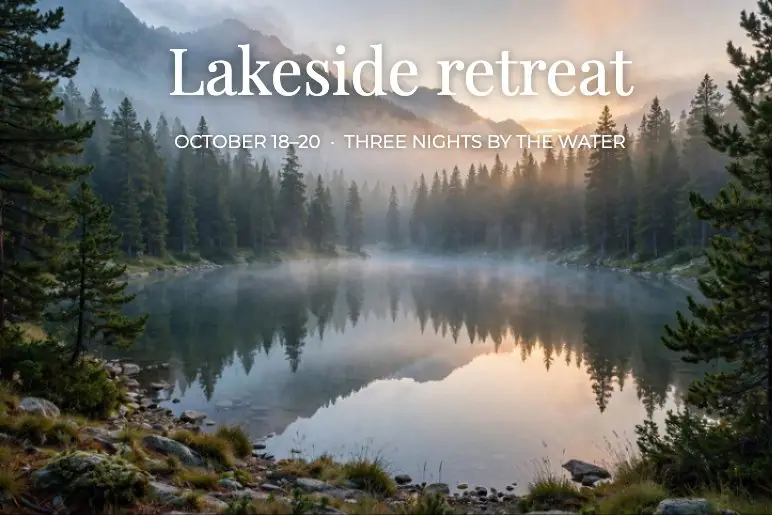
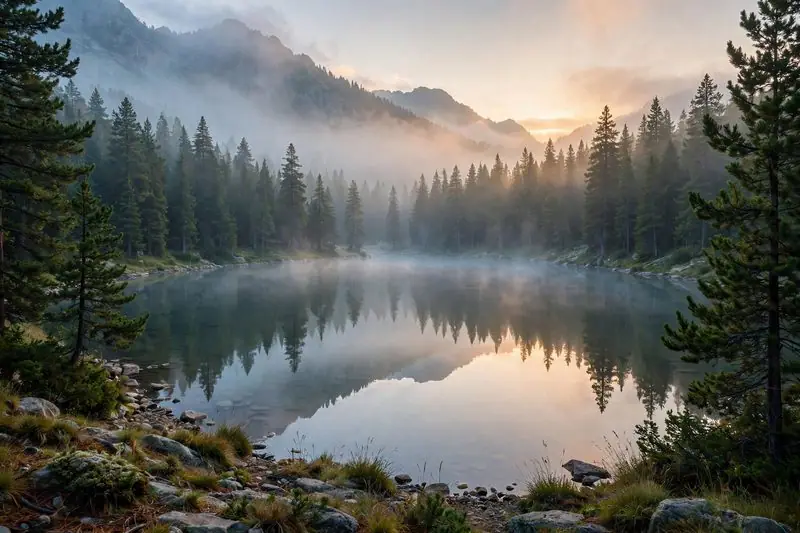
A misty mountain lake at sunrise, edited with TextA misty mountain lake at sunrise, original photo

Made with the text tool

Real designs made in the editor. Tap an image to see the photo without text.

Posters and invites

A serif headline and a line of details, placed where the photo leaves room.

Menus and offers

Bold type on a color box stays readable on the busiest photo.

How to add text to a photo

  1. 1
    Upload a photo

    Choose an image from your device, or pick one from your StockUnlimited library. The text tool opens.

  2. 2
    Click where the words go

    Type, then pick a font, size and color. Drag to move it, and add a color box behind it if the photo is busy.

  3. 3
    Save it

    Save to your device as PNG, JPEG, WebP or PDF, or to your StockUnlimited library to come back to it later.

Why use this text tool

118 fontsSerif, sans, script, display, mono and themed faces, loaded as you pick them.
Readable on any photoA color box behind the text, shadows, and a color picker that takes colors from the photo.
WordArt, ready-styledGradients, outlines, shadows and curved text in one click, for when plain type isn't enough.
Every word stays editableText is its own layer. Change it tomorrow; drafts save themselves as you go.
Free, with no watermarkAdd as much text as you like. No credits, and no sign-up needed to start.
The whole editor, right thereWhen you're done, keep going: crop, add text, remove the background or resize for every social platform.

Questions people ask

Is adding text really free?
Yes. It's free and unlimited, with no watermark on what you save. You don't need an account to start.
Can I change the text later?
Yes. Each piece of text is its own layer, so you can edit the words, font or color any time. Drafts save automatically in your browser, with every layer still editable.
How do I make text readable on a busy photo?
Turn on the color box behind the text, or add a shadow. You can also pick a text color straight from the photo so it matches.
Can I use my own font?
Not yet. You can choose from 118 fonts, including serif, script, display and monospace styles.
Which formats can I save?
PNG, JPEG, WebP or PDF, or copy the image to your clipboard. Everything is saved at your photo's full size.
Can I use the result commercially?
Yes, for images you have the rights to. Stock photos you license from StockUnlimited keep their royalty-free license after editing.

Put your words on a photo.

Nothing to install, and your image stays on your device.