What are you making?
A storyboard or preview is one image: 1 credit. A video is priced by length: 6 s 100, 10 s 170, 15 s 260 credits, in HD. Text, music and edits afterwards are free. Failed videos are refunded automatically.
Create video
AI video maker
Short videos from one photo
Pick what you're making. We plan the shots, draw them so everything matches, and film it in one take, with music, text and your logo.
← Pick what you're making in the panel on the left.
What you can make
Seven kinds of video, each planned for what it's for. These are real examples.
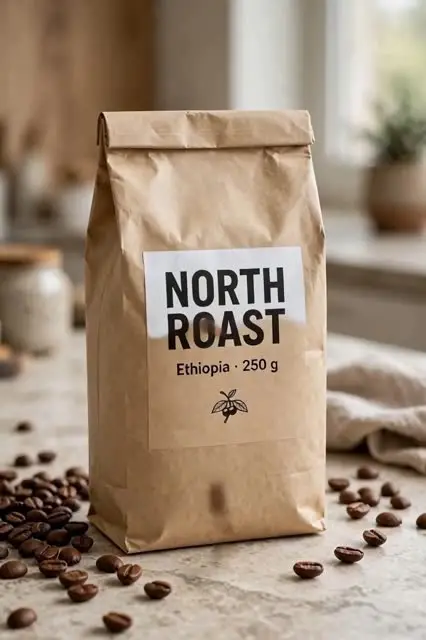 Product videoOne product photo, one short video with 2–4 shots
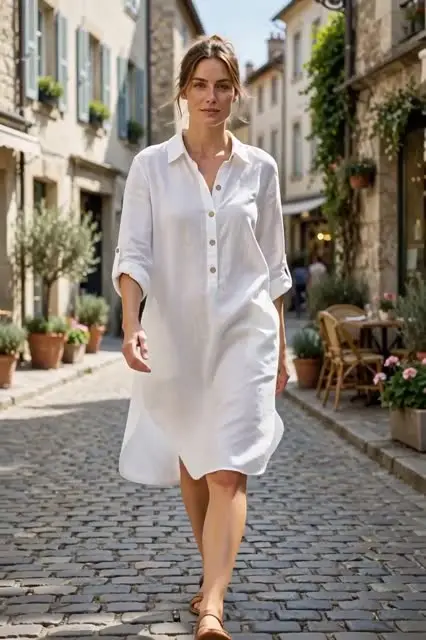 Fashion videoYour garment on a model who moves
 Food & menu videoSteam, pour and sizzle
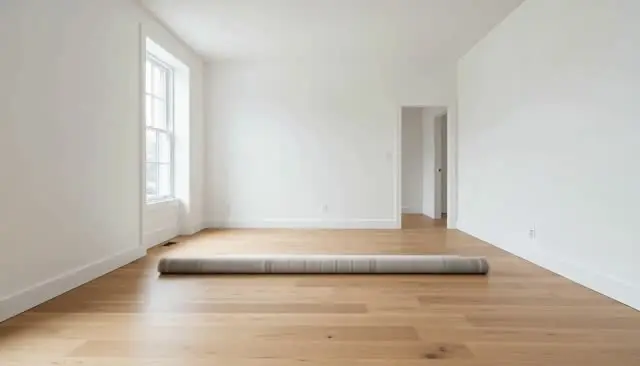 Room makeoverStaging, renovation, day to dusk
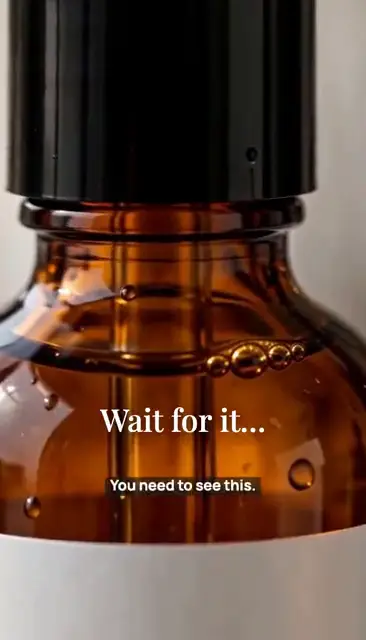 Short adHook, product, offer in one take, with voice and music
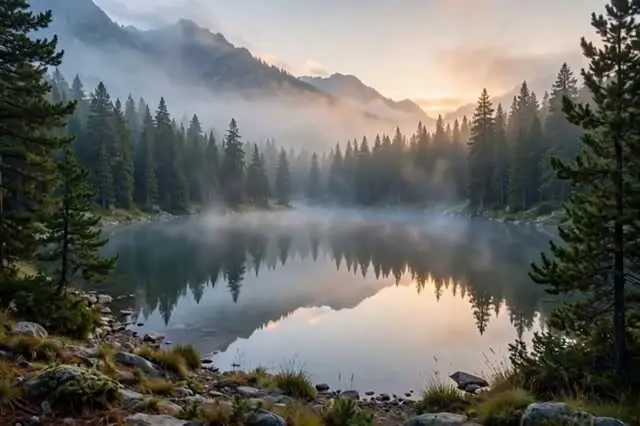 Bring a photo to lifeGentle motion for any photo
 Describe itStart from words
How it works
- 1Pick what you're making
A product video, a room makeover, a short ad… Add your photo, or describe it.
- 2Approve the plan
A storyboard, the room's after or a first frame: 1 credit, so change it freely before paying for video.
- 3Get the video
About a minute. Text, music and your logo stay free to change afterwards.
What you get
Your logo, colors and fonts come from your brand kit.
Video questions, answered
- What does a video cost?
- A plan (storyboard, afters or first frame) is 1 credit. A video is priced by length: 6 seconds 100 credits, 10 seconds 170, 15 seconds 260, in HD. Changes afterwards are free.
- How long does a video take?
- About a minute. You can leave the page: the video lands in your Library either way.
- What sizes do I get?
- Vertical 9:16 for Reels, TikTok and Shorts, square, or wide 16:9, depending on the video. Every video also comes with free 1:1 and 4:5 crops for the feed.
- Can I use my logo and colors?
- Yes. Set up your brand kit once: your logo, colors and fonts go on every new video, and in the image editor too.
- What if a video fails?
- The credits come back automatically. You're only charged for videos that are made.
Ready when you are.
Pick what you're making in the panel on the left. It takes about a minute, and changes afterwards are free.