stockunlimited
Image
Find and create
Video
Create with AI
Animate and edit
Image
Find and create
Video
Create with AI
Animate and edit
Design templates
Free to edit. Premium: 1 credit, once, when you first download or save it, with its photo or your own.
Hiring and team
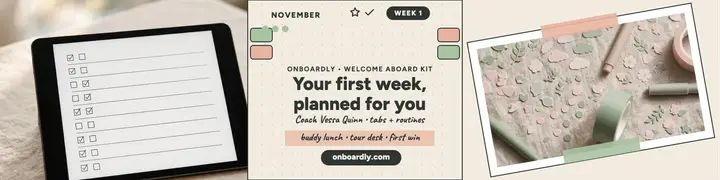
Onboarding planner banner template — Onboardly welcome aboard
A pastel digital-planner LinkedIn banner for hiring coach Onboardly: tablet weekly planner beside coffee, turned taped sticker flat-lay card, beige panel with dot grid, index tabs, November label and checklist for the Welcome Aboard Kit.
LinkedIn banner · 1584×396 px · Premium · 1 credit
- Every word editable
- 28 sizes
- Your photos or licensed stock
What you can change
- 2 photosKeep the sample, upload yours, pick one from your Library or search stock photos
- 7 pieces of textYour words, in Figtree, Caveat or any other font
- ColorsRecolor any piece, or apply your brand colors to the whole design
- LayoutMove, resize, align or delete anything; add shapes, stickers and your logo
- SizeLinkedIn profile banners, at 1584×396 px
How to use it
- 1Open the design
It opens in the image editor in your browser, with every piece as its own layer.
- 2Make it yours
Click any text to change it, swap in your photos and pick your colors.
- 3Download it
Download a PNG, JPG or WebP at full size, or save it to your Library.
More designs like this
 Zipspin rider hiring banner, ride echo
 Fleetfoot bike courier hiring banner
 Northloop Studio hiring banner with brackets
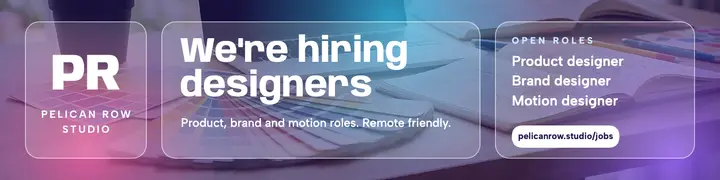 Pelican Row Studio open roles banner, glassmorphism
 Rosa meet the stylist glamour post
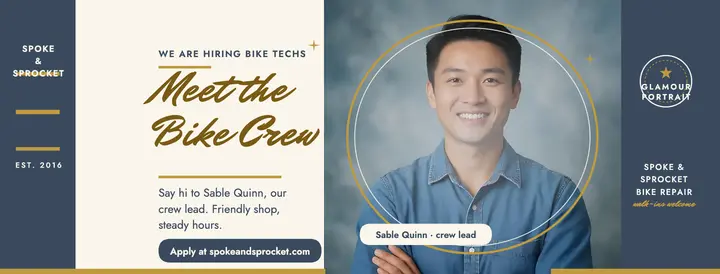 Spoke and Sprocket meet the team cover
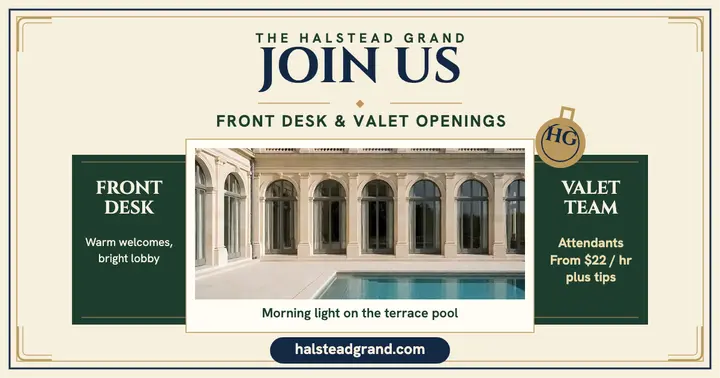 Halstead Grand hiring post, front desk valet
 Verdantloop rooftop growers hiring header
Browse more templates
Questions people ask
- What does this design cost?
- Editing it is free. It's a premium design: 1 credit, once, when you first download or save it, with its sample photo or your own. Swapping in a stock photo is licensed when you pick it, like any stock photo.
- What do I get when I download?
- A PNG, JPG or WebP at 1584×396 px, saved straight to your device. You can also save it to your Library.
- Can I use it for my business?
- Yes: in ads, social posts, flyers and print, for yourself or for clients.