Image
Video
A multi-scene pack: 20 credits per animation. No account needed to start.
Animation Studio needs a laptop or desktop screen.
Social promos template
Conference speakers announcement video animation template
A 15-second tech-conference reel in four scenes: a lanyard badge swings in, your conference name prints onto it and the days and speakers count in, then the badge flips to fill the frame; three speaker tiles slide in with headshots, names and talk topics; a stage light sweeps into the agenda, where three time slots light up along a timeline and the keynote pulses; a confetti pop opens the close with your conference name, dates and city, a Get your ticket button and the website.
9:16 vertical · 16:9 widescreen · 1:1 square · 15 seconds · 4 scenes · 3 photos · 24 texts · Pack, 20 credits
- Your words and photos
- MP4 or GIF
- No After Effects needed
What you can change
- First speaker photoUpload yours or pick one from your Library
- Second speaker photoUpload yours or pick one from your Library
- Third speaker photoUpload yours or pick one from your Library
- Badge top lineYour words
- Conference nameYour words
- First numberYour words
- First number's wordYour words
- Second numberYour words
- Second number's wordYour words
- Speakers headingYour words
- First speaker nameYour words
- First speaker topicYour words
- Second speaker nameYour words
- Second speaker topicYour words
- Third speaker nameYour words
- Third speaker topicYour words
- Agenda headingYour words
- Time slot 1Your words
- Session 1 (highlighted)Your words
- Time slot 2Your words
- Session 2Your words
- Time slot 3Your words
- Session 3Your words
- DatesYour words
- CityYour words
- ButtonYour words
- WebsiteYour words
- Colors4 colors, or one of the ready-made sets
- Shape9:16 vertical, 16:9 widescreen, 1:1 square
Want to change the animation itself? Open it in the full motion editor to move layers, change the timing or add your own.
How to use it
- 1Open the template
It opens in Animation Studio in your browser, playing, with its fields ready to fill.
- 2Make it yours
Type your words, add your photos and pick your colors. It plays as you go.
- 3Download it
Download an MP4 or a GIF, or open it in the video editor. Signed in, every MP4 you download is also kept in your Library.
More templates like this
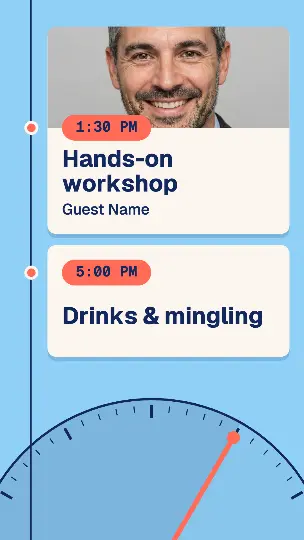 Event day agenda reel
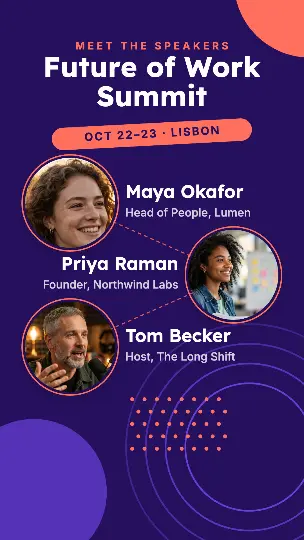 Speaker lineup reveal
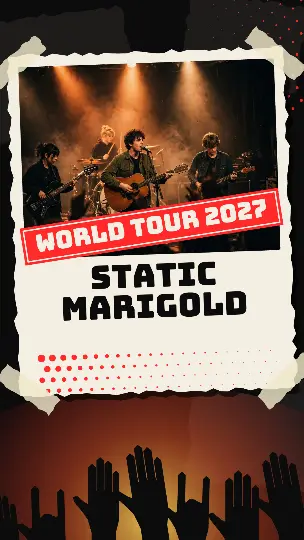 Concert tour dates pack
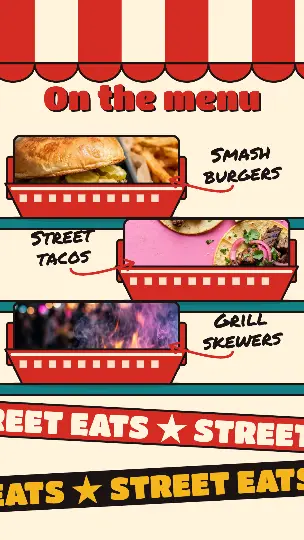 Food truck festival reel
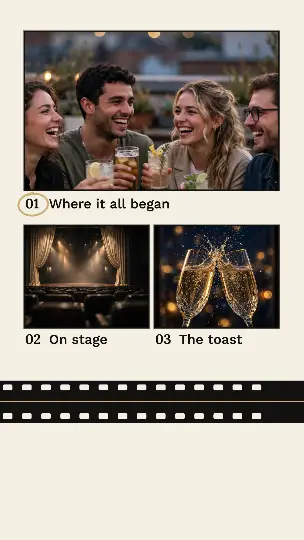 Event recap highlights pack
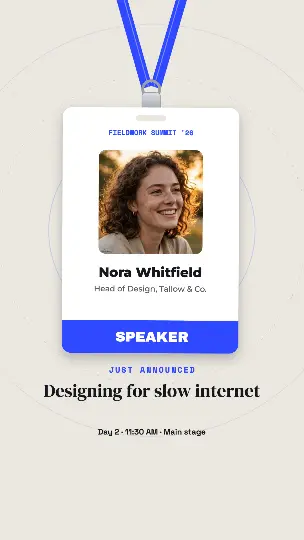 Speaker badge
Questions people ask
- What does this template cost?
- It's a multi-scene pack (4 scenes): 20 credits per animation, with a free account. After that, changing the words, colors or shape and downloading again is free; a different photo makes a new animation. Downloads have no watermark.
- What do I get when I download?
- An MP4 video at full size or a GIF, made in your browser and saved straight to your device. With a free account, a copy of each MP4 also goes to your Library.
- Can I use it for my business?
- Yes. Use it in your videos, ads, presentations and social posts, for yourself or for clients.