Image
Video
A premium template: 10 credits per animation. No account needed to start.
Animation Studio needs a laptop or desktop screen.
Transitions template
Diagonal split photo transition animation template
A lime line slices your first full-frame photo diagonally, the two halves fly apart with glowing edges and motion blur, and your second photo settles in full-frame as its label snaps in.
9:16 vertical · 16:9 widescreen · 1:1 square · 2 seconds · 2 photos · 2 texts · Premium, 10 credits
- Your words and photos
- MP4 or GIF
- No After Effects needed
What you can change
- First photoUpload yours or pick one from your Library
- Second photoUpload yours or pick one from your Library
- First labelYour words
- Second labelYour words
- Colors2 colors, or one of the ready-made sets
- Shape9:16 vertical, 16:9 widescreen, 1:1 square
Want to change the animation itself? Open it in the full motion editor to move layers, change the timing or add your own.
How to use it
- 1Open the template
It opens in Animation Studio in your browser, playing, with its fields ready to fill.
- 2Make it yours
Type your words, add your photos and pick your colors. It plays as you go.
- 3Download it
Download an MP4 or a GIF, or open it in the video editor. Signed in, every MP4 you download is also kept in your Library.
More templates like this
 Window blinds title transition
 Paper shredder transition
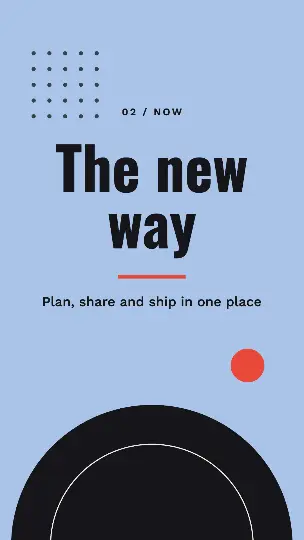 Split screen slide compare transition
 Ink blob wipe
 Paper fold transition
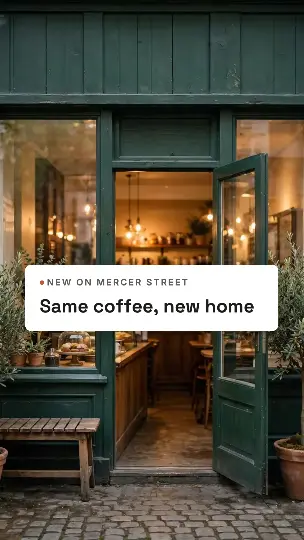 Page peel transition
Questions people ask
- What does this template cost?
- It's a premium template: 10 credits per animation, with a free account. After that, changing the words, colors or shape and downloading again is free; a different photo makes a new animation. Downloads have no watermark.
- What do I get when I download?
- An MP4 video at full size or a GIF, made in your browser and saved straight to your device. With a free account, a copy of each MP4 also goes to your Library.
- Can I use it for my business?
- Yes. Use it in your videos, ads, presentations and social posts, for yourself or for clients.