stockunlimited
Image
Find and create
Video
Create with AI
Animate and edit
Image
Find and create
Video
Create with AI
Animate and edit
Animation Studio
Free, with no watermark. No account needed to start.
Open this on a computer
Animation Studio needs a laptop or desktop screen.
Transitions template
Zoom through letter transition animation template
A huge three-letter word slams in, then the camera dives into its yellow middle letter and your second scene is revealed inside the letter as it grows to fill the frame.
9:16 vertical · 16:9 widescreen · 1:1 square · 6 seconds · 6 texts · Free
- Your words and photos
- MP4 or GIF
- No After Effects needed
What you can change
- Scene one kickerYour words
- Word, before the zoom letterYour words
- Zoom letterYour words
- Word, after the zoom letterYour words
- Scene two headlineYour words
- Scene two lineYour words
- Colors4 colors, or one of the ready-made sets
- Shape9:16 vertical, 16:9 widescreen, 1:1 square
Want to change the animation itself? Open it in the full motion editor to move layers, change the timing or add your own.
How to use it
- 1Open the template
It opens in Animation Studio in your browser, playing, with its fields ready to fill.
- 2Make it yours
Type your words and pick your colors. It plays as you go.
- 3Download it
Download an MP4 or a GIF, or open it in the video editor. Signed in, every MP4 you download is also kept in your Library.
More templates like this
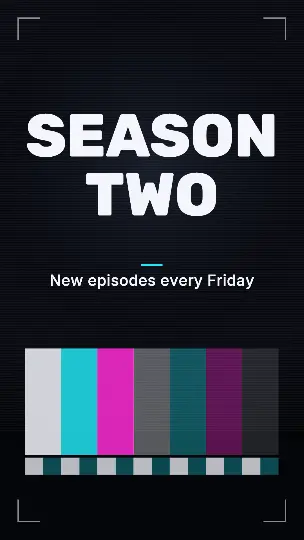 Glitch slice transition
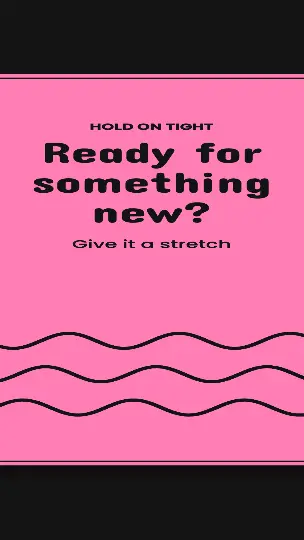 Rubber band transition
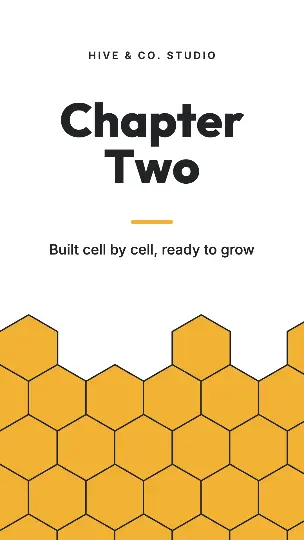 Honeycomb transition
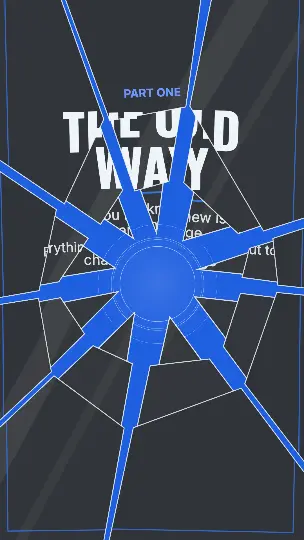 Glass shatter transition
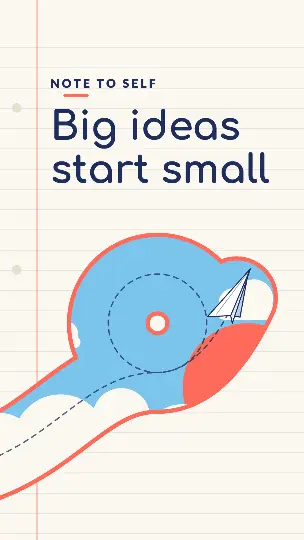 Paper plane trail wipe
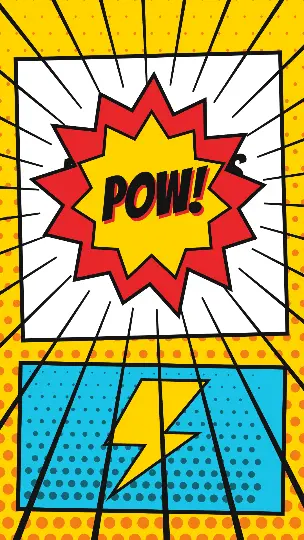 Comic burst POW transition
Questions people ask
- Is this template free?
- Yes, with no watermark and no account needed.
- What do I get when I download?
- An MP4 video at full size or a GIF, made in your browser and saved straight to your device. With a free account, a copy of each MP4 also goes to your Library.
- Can I use it for my business?
- Yes. Use it in your videos, ads, presentations and social posts, for yourself or for clients.