Image
Video
Animation Studio
Free motion graphics templates for Reels, TikTok and Shorts
Ready-made animated videos: sale promos, countdowns, intros and more. Add your words and photos, then download an MP4. Most are free, with no watermark; premium templates with your photos are 10 credits, multi-scene packs 20 credits.
- Your words and photos
- MP4 or GIF
- No After Effects needed
All templates
6 templates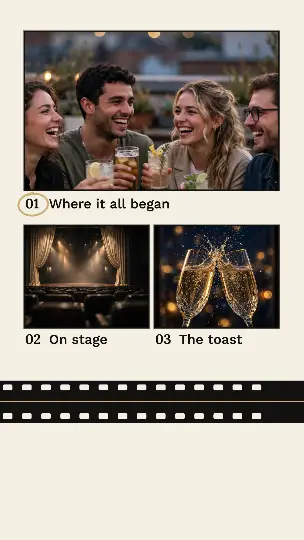
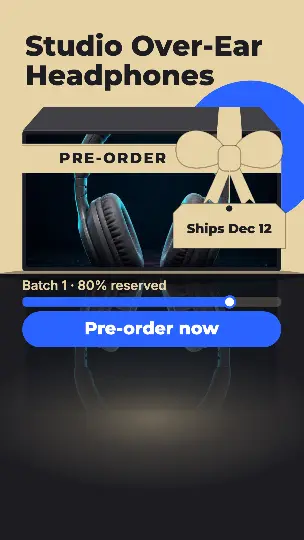
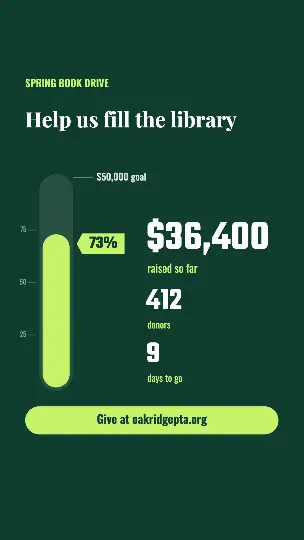
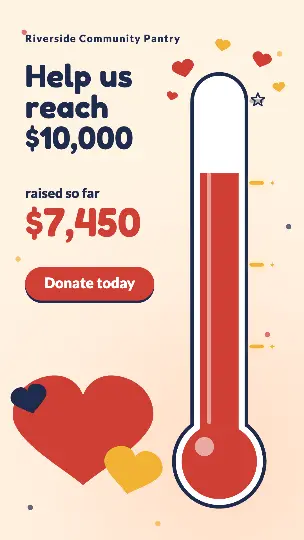
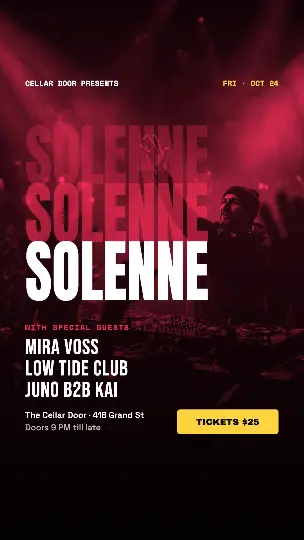
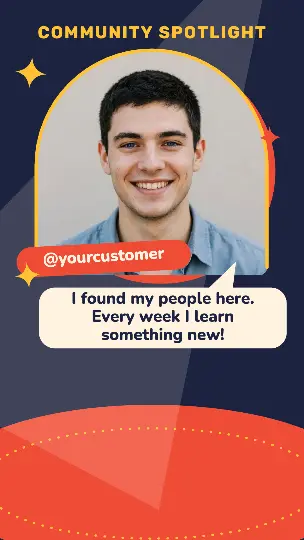
Motion design without the learning curve
Start from a template and change only what you need. Free to use, as often as you like.
How it works
- 1Pick a template
Countdowns, intros, titles, kinetic type, social promos and transitions, vertical first, with widescreen and square too.
- 2Make it yours
Type your words, add your photos and pick your colors. It plays as you go. Want more control? Open it in the full motion editor.
- 3Download it
Download an MP4 or a GIF, or PNG frames with a transparent background to lay over your own video.
Works best in Chrome or Edge on a laptop or desktop. No account needed to start.
Put it in a video
With a free account, every MP4 you download also goes to your Library: add it in the video editor as a title, an intro or a lower third over your own clips.
Questions people ask
- Is Animation Studio free?
- Yes, with no watermark. Your first download needs no account; after that, a free account (no card) gives you unlimited downloads. The exceptions are premium templates, with a free account: the ones with photos are 10 credits per animation, and multi-scene packs (3–4 scenes, a whole social post) are 20. After that, changing the words, colors or shape and downloading or saving again is free; a different photo makes a new animation.
- Is anything uploaded?
- Your photos stay on your computer while you edit: Animation Studio runs in your browser, and your animation is made there and downloaded straight to it. Signed in, a copy of each MP4 you download is saved to your Library.
- Can I use my own photos?
- Yes, in the premium templates. Each has a slot for every photo: upload one from your computer, or pick one from your Library. Your photos stay in your browser. Premium templates are 10 credits per animation, with a free account.
- What do I get when I download?
- An MP4 (H.264) at full size, 1920×1080 for widescreen for example; a GIF up to 640 pixels wide; or, for templates made to sit over video like lower thirds, a zip of PNG frames with a transparent background.
- Can I use my animations for my business?
- Yes. Use them in your videos, ads, presentations and social posts, for yourself or for clients.
- Can I change the animation itself?
- Yes. Open any template in the full motion editor to move layers, change keyframes and easing, or add shapes, text and effects.
- Does it work on my phone?
- Not yet. Animation Studio needs a laptop or desktop screen, and works best in Chrome or Edge.